
 Smart Agent Teams
Writing docs
How this documentation site is built, how to run it, the MDX components and style rules, and which pages are generated from code.
This site lives in apps/docs. It is a Next.js app using Fumadocs, built as a static export. Most pages are MDX written by hand; the API reference and the CLI reference are generated from the code, so they cannot drift. Docs change in the same pull request as the feature they describe.
Layout
| Path | What it is |
|---|---|
content/docs/**/*.mdx | The pages. The URL is the file path: content/docs/operations/database.mdx is /docs/operations/database. |
content/docs/**/meta.json | Sidebar title and page order for each folder. Add a new page's slug to its folder's pages array. The root meta.json orders the sections. |
app/ | Next.js routes: the docs pages, search, Open Graph images, llms.txt and llms-full.txt. |
components/ | MDX component mapping (mdx.tsx), the Mermaid renderer, the API page, search. |
lib/source.ts, lib/openapi.ts | The content source: MDX pages plus one generated page per API operation. |
public/screenshots/ | Product screenshots for pages. |
scripts/check-links.ts | Checks every internal link in the built site. |
STYLE.md | The style guide. Read it before writing. |
Run it
bun install                 # repo root
bun run dev:docs            # next dev on http://localhost:4300
The dev server reloads MDX on save. To build the static site and check links as CI does:
bun run build:docs                       # next build → apps/docs/out
bun run --cwd apps/docs check-links      # needs apps/docs/out
bun run --cwd apps/docs typecheck
Style rules
The full guide is STYLE.md. The rules that matter most:
- True to the code. Read the source before you write. If something is not implemented, say "not implemented yet". Never describe intent as fact.
- Plain, precise English. Short sentences, active voice, second person. No marketing words, no emojis, no exclamation marks.
- Concrete examples from the demo company: NoteFlow, prefix
NF, with Ada (CEO), Linus (CTO), Grace (senior engineer), Ken (engineer), Maya (CMO), Margaret (QA lead) and Toni (content writer). - Three surfaces. Where a feature exists in the web app, the CLI and the API, show all three in
<Tabs items={['Web app', 'CLI', 'API']}>. - Money is integer cents; a budget of
0means no limit. - Statuses use the exact API values in backticks:
in_review,pending_approval. - Links are absolute site paths without an extension:
/docs/features/runs. Generated API operations live at/docs/api-reference/endpoints/<tag-folder>/<operation-id>, with underscores in the operation id replaced by dashes, for example/docs/api-reference/endpoints/runs/claim-run. Checklibs/api-client/openapi.jsonfor the exact operation id. - No secrets. The demo login may appear only on local-development pages.
- Front matter on every page: a short sentence-case
titleand a one-sentencedescriptionthat ends with a period. - Headings start at
##and use sentence case. - Code blocks are runnable and labelled with a language; use
title="..."for file names.
Feature pages follow the template in STYLE.md: summary, how it works, fields, statuses, use it, permissions, events, limits and known gaps, related. Guides use <Steps>; references use tables. Split a page when it passes about 400 lines.
Components
These are available in every page without an import.
| Component | Use it for |
|---|---|
<Callout type="info" title="..."> | Notes. Types: info, warn, error, success, idea. |
<Cards> with <Card title href description /> | The "Related" section and navigation grids. |
<Tabs items={[...]}> with <Tab value="..."> | Web app, CLI and API variants of the same task. |
<Steps> with <Step> | Ordered procedures. Start each step with a ### heading. |
<Accordions> with <Accordion title="..."> | FAQ and troubleshooting entries. |
<TypeTable type={{ field: { type, description, required, default } }} /> | Object fields, from company/schemas.py. |
<Mermaid chart={...} /> | Diagrams: flowcharts, sequence, state and ER diagrams. Pass the diagram as a template literal. |
<Files>, <Folder name>, <File name> | File trees. |
<Callout type="warn" title="The company budget is not enforced">
Only agent budgets pause work.
</Callout>

<Mermaid chart={`
stateDiagram-v2
  [*] --> queued
  queued --> running: claimed
  running --> succeeded
  running --> failed
`} />
MDX treats < and { in prose as JSX. Put placeholders such as <sha> or {company_id} in backticks or code blocks. Inside a <Mermaid> template literal, avoid backticks and ${.
Screenshots: 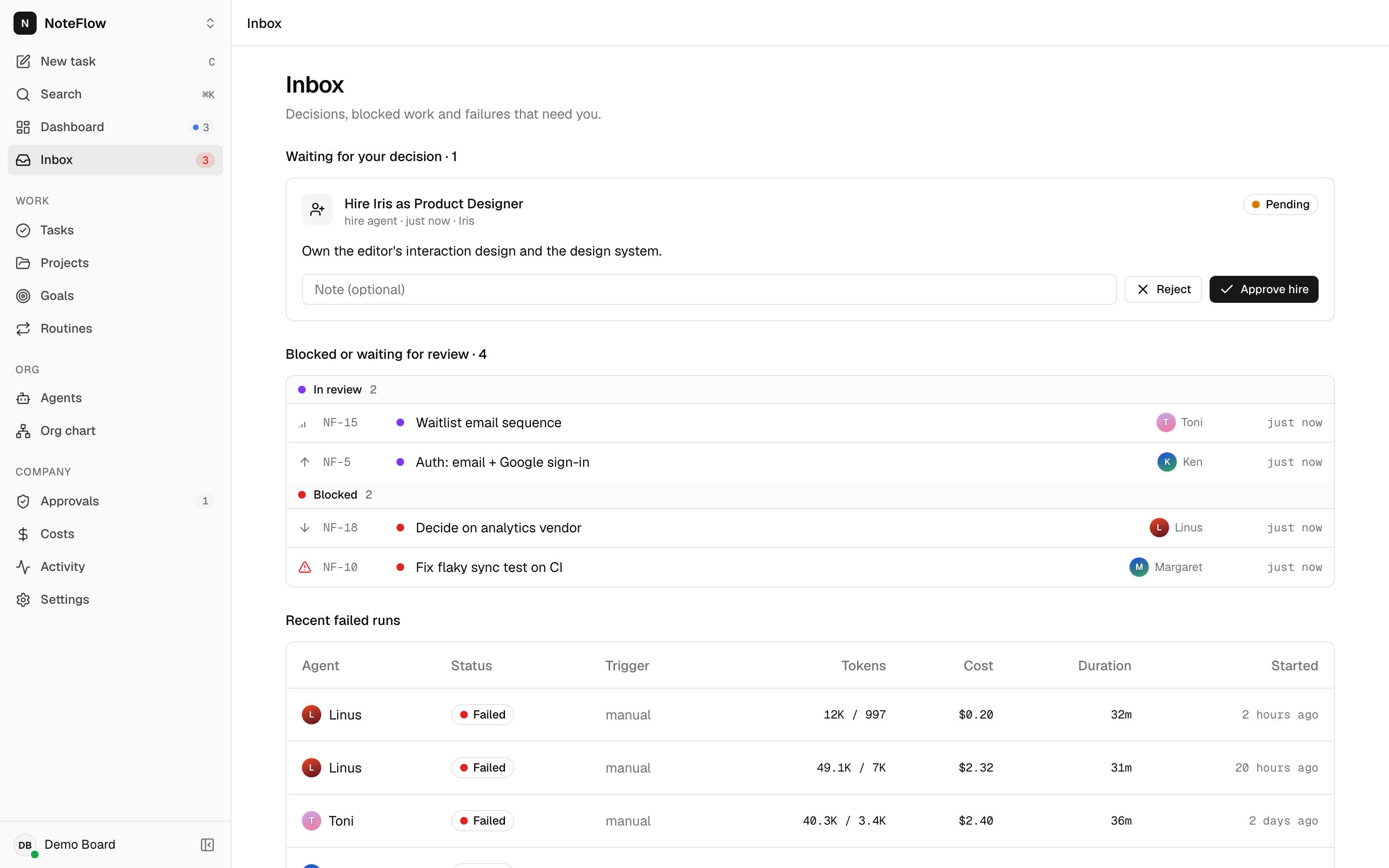. Write alt text that describes what the screen shows.
Generated pages
API reference
The pages under API reference are generated at build time from libs/api-client/openapi.json, the same schema the web app and CLI are typed against. Never write endpoint pages by hand.
-
Content comes from FastAPI. The summary and description are the endpoint function's docstring; fields and constraints come from the Pydantic models in
company/schemas.pyandapi/schemas.py. To improve an endpoint page, edit the docstring or model, then regenerate the client:bun run --cwd libs/api-client generate -
Only the supported API is published.
lib/openapi.tskeeps/healthand paths under/api/login,/api/register,/api/refresh,/api/logout,/api/me(including/api/me/api-keys),/api/passwordand/api/companies. Legacy routes are left out. -
Tags are reassigned by path into folders:
authentication,api-keys,companies,agents,tasks,goals,projects,runs,approvals,routines,insights,live-events,health.
CLI reference
Command reference is generated from the commander definitions in apps/cli/src by apps/cli/scripts/docs.ts:
bun run --cwd apps/cli docs          # rewrites content/docs/cli/reference.mdx
bun run --cwd apps/cli docs:check    # exits 1 if the committed page is out of date
Change a command's description or options in the CLI source, never in reference.mdx.
What CI checks
The web CI job builds the docs as part of bunx turbo run typecheck test build, then runs:
| Check | Fails when |
|---|---|
bun run --cwd apps/docs check-links | Any internal link in the built site points at a missing page, or at a #fragment the target page does not have |
bun run --cwd apps/cli docs:check | cli/reference.mdx does not match the CLI's commands |
bun run lint | Biome finds problems in apps/docs source (generated output is excluded) |
A link to a page that does not exist yet fails CI. Add the page, or link to an existing one.
Docs in the same pull request
When a change affects behaviour that a page describes, update the page in the same pull request:
- New or changed endpoint: docstring, regenerated client, and the feature page if behaviour changed.
- New or changed CLI command: regenerated CLI reference, and the CLI or runner page.
- New environment variable: Configuration.
- New limit or status: Limits or Statuses.
- New migration: Database.
- Fixed a problem someone could hit again: an entry in Troubleshooting.
Publishing the site is a separate, manual step today.