Smart Agent Teams
Quickstart
Create a company on the hosted app, hire an agent, assign a task and see the run it queues.
This guide takes about ten minutes. You use the hosted app at https://app.yarlis.com to create an account and a company, hire your first agent, assign it a task and watch SAT queue a run. Every step shows the web app and the equivalent sat CLI commands; use either.
SAT records and queues work, but it does not run models. A run stays queued until a runner executes it, so the last steps connect a runner on your machine.
Before you start
-
A browser, for the web app.
-
For the CLI steps and the runner: Bun 1.4+, a clone of the SAT repository, and the
satCLI built from it (see CLI):git clone https://github.com/YarlisAISolutions/smart-agent-teams.git cd smart-agent-teams && bun install bun run --cwd apps/cli build # writes apps/cli/dist/sat; or use `bun run sat -- <command>` -
To execute real runs: Claude Code (
claude) or Codex (codex) on yourPATH.
Steps
Create an account
Open https://app.yarlis.com and select Sign up. Enter your name, email and a password of at least 8 characters.
Create a company
A company holds your agents, work and budgets. Choose the task prefix carefully: task keys are built from it (NF-1, NF-2, …) and it cannot be changed later. It is 1 to 8 characters, starting with a capital letter, followed by capital letters or digits.
With no company yet, SAT opens Start your company. Enter:
- Company name:
NoteFlow - Mission: "Build the #1 AI note-taking app and reach $1M ARR." Agents see this on every run.
- Task prefix:
NF - Monthly budget (USD):
500, or leave it empty for no limit
Select Create company. SAT opens Agents with the hire dialog ready.
See Companies for all fields.
Hire your first agent
Give the agent a runtime you have installed, so your runner can execute it. A monthly budget caps its spend: when a finished run brings it to the limit, SAT pauses the agent and asks you.
In Hire an agent, enter:
- Name:
Grace - Title:
Senior Engineer - Role:
Engineer(the first agent defaults toCEO; change it if you like) - Runtime:
Claude Code(orCodex) - Instructions: "You write small, well-tested changes and explain them in plain English."
- Monthly budget (USD):
20
Leave Send through approval off and select Hire agent. Grace is idle.
See Agents.
Create and assign a task
Assigning a task to an available agent queues a run. The task must not be in backlog, done or cancelled; new tasks start in todo.
Select New task (or press c). Enter the title "Write a README for the NoteFlow editor", a short description, and choose Grace as the Assignee. Select Create task. The task gets the key NF-1.
See the queued run
Open NF-1. Its thread shows a run entry for Grace with trigger assignment and status Queued. Select it to open the run, whose transcript starts with "Assigned NF-1". The Dashboard also lists queued and running runs.
The run stays queued until a runner claims it.
Set up a runner
A runner claims queued runs and executes them through the agent's CLI. It authenticates with an API key, never with your password session.
sat apikey create laptop-runner --store   # shown once; stored for the prod profile
sat runner adapters                       # check that claude or codex is detected
sat runner start --once                   # run what is queued now, then exit
Want to see the flow without spending money on a model first? Run sat runner start --simulate --once: a built-in echo adapter completes the run in about two seconds and records 1 cent. Read sat runner before running agents unattended; it covers concurrency, permissions and workspaces.
What a runner's agent can do
Agents act through sat with the powers of the member who owns the API key. They cannot manage API keys, but they can, for example, decide approvals. See Runner security.
Watch it in the inbox
When the run starts, the runner moves NF-1 to in_progress. When it succeeds, the runner posts Grace's final reply as a comment and moves the task to in_review, which puts it in your inbox. The run's cost is added to Grace's spend this month.
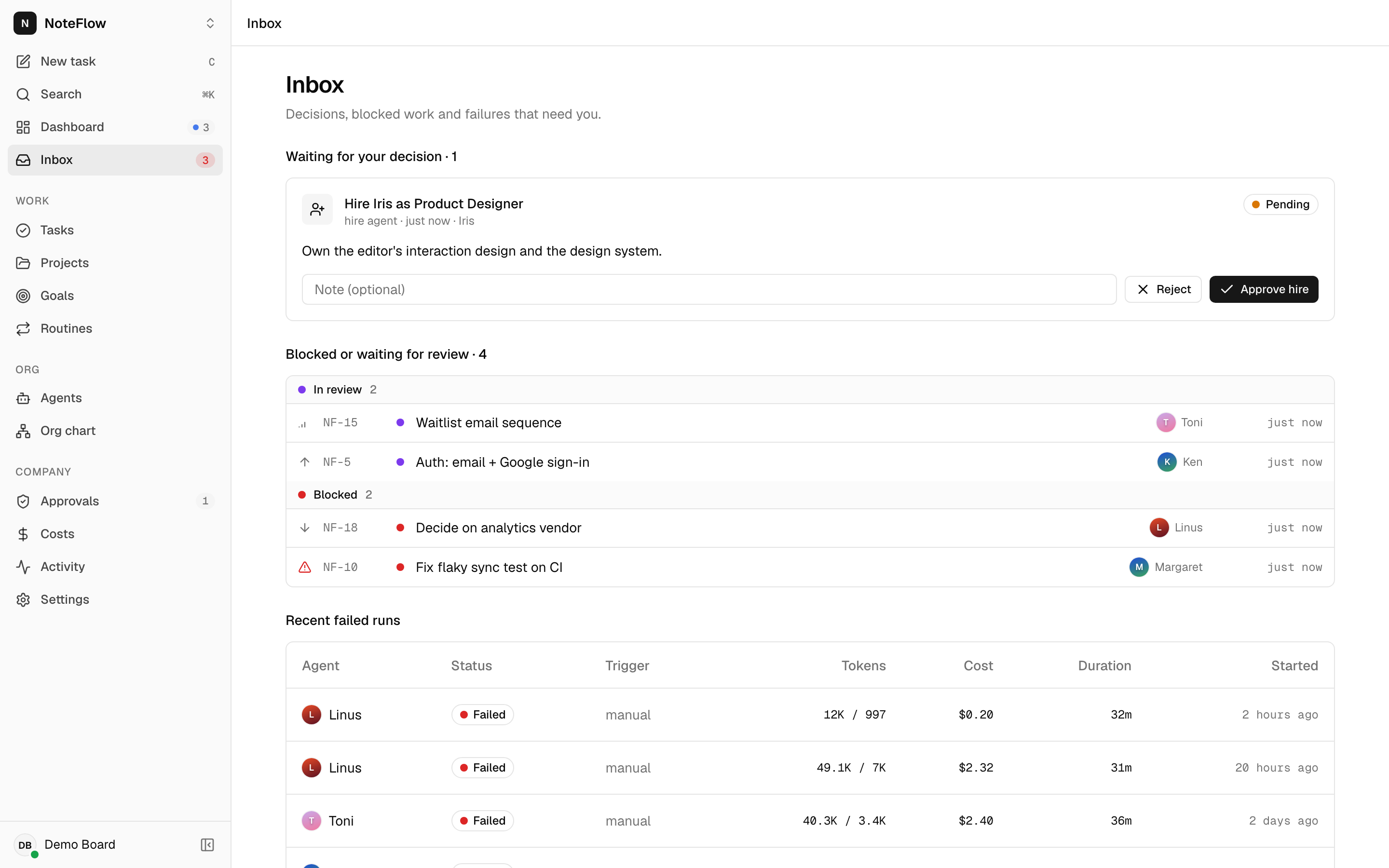
Open Inbox. It lists pending approvals, tasks that are blocked or in_review, and the 10 most recent failed runs. Open NF-1, read Grace's comment, and move the task to Done or comment with follow-up instructions.